Turn Personal Moodboards into Animated Aesthetic Montages
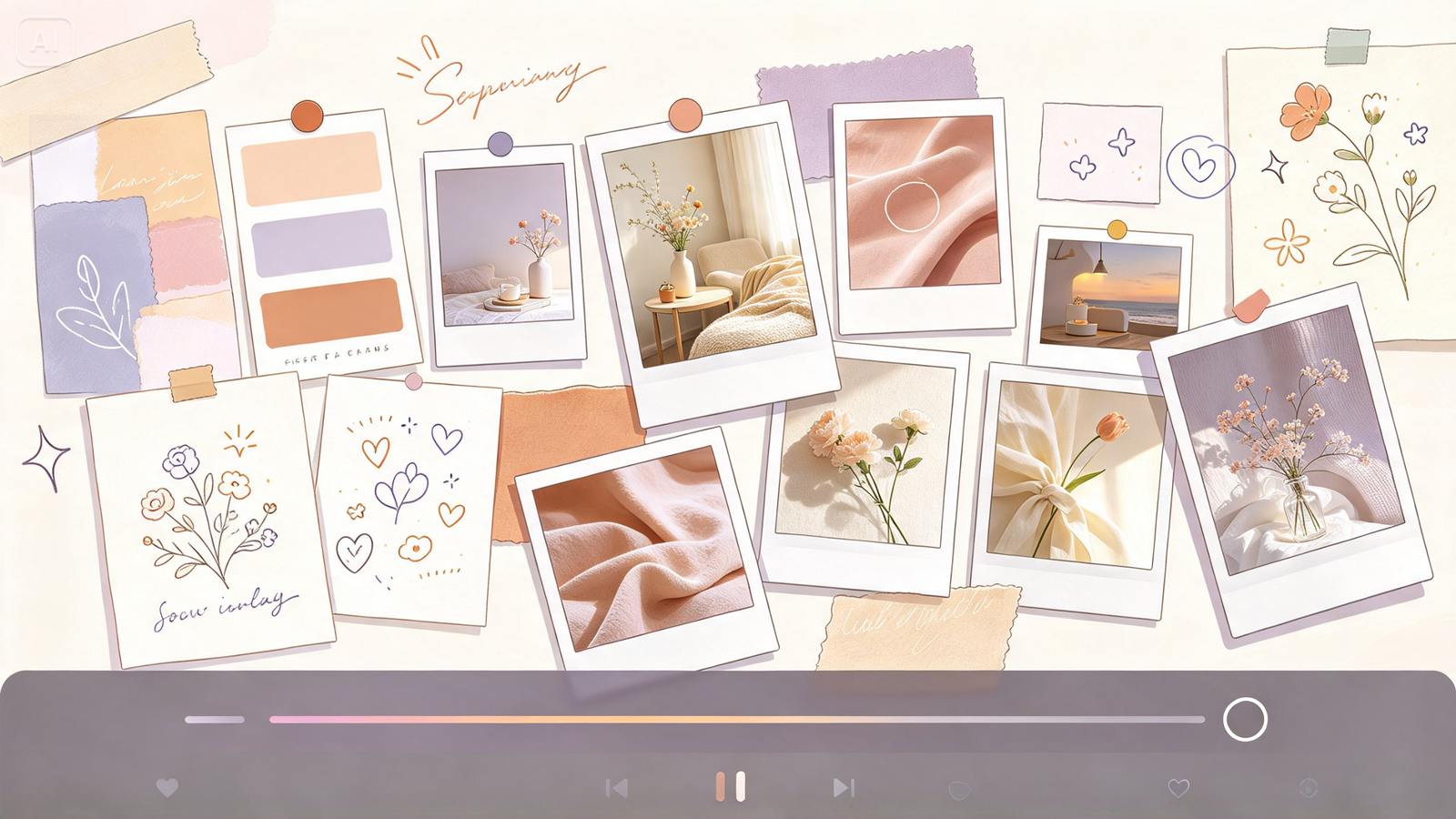
A carefully assembled moodboard, color swatches, texture references, a few perfect inspiration images arranged just so, already communicates a specific aesthetic clearly, but watching those pieces shift and settle into place adds a genuine sense of discovery that a flat collage can’t quite replicate. Image to Video makes that transformation achievable, turning your static moodboard into a flowing aesthetic montage.
Dreamina, powered by its advanced Seedance 2.5 video generation model, is well suited to this kind of layered, stylistically cohesive motion work. Here’s how to bring your moodboard into genuine, flowing life.
Why animated moodboards feel more genuinely immersive
A static moodboard asks the eye to jump between separate elements on its own. Adding gentle, sequential motion, each element settling into place or softly highlighted in turn, guides a viewer through the aesthetic the way you actually intended it to be read, rather than leaving the experience to chance.
Choosing a moodboard with clear, distinct elements
The strongest candidates for this technique already include enough visual variety to animate meaningfully:
- Distinct color swatches or fabric textures
- A mix of photography and illustrated or graphic elements
- Varied scale, some large focal images, some small supporting details
- A consistent overall color story tying every piece together
Sequencing the reveal to match how the eye should travel
Describing which element appears first, second, and last, mirroring how you’d actually want someone’s eye to move across the board, gives the animation genuine intentional structure rather than random, simultaneous movement.
How Seedance 2.5 handles multi-element sequencing
Seedance 2.5’s support for complex editing tasks proves genuinely valuable here, since a convincing moodboard reveal depends on several distinct elements animating in a specific, controlled order rather than one blended, generic motion.
Its multimodal fusion input also allows layering additional reference material, a color palette file, a texture sample, alongside your core moodboard image for even more precise creative direction.
Your 3-step aesthetic reveal with Dreamina
Step 1: Upload reference image and write corresponding prompt
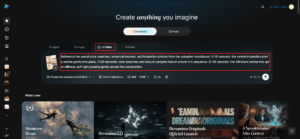
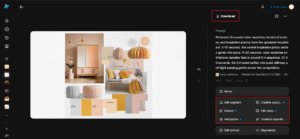
Visit Dreamina, sign in, and head to the AI Video section. Click “Add reference image” to upload your moodboard, then write a prompt describing the sequence in which elements should animate into view.
A strong 30-second sample prompt might read: Reference the pastel color swatches, botanical textures, and inspiration photos from the uploaded moodboard. 0-10 seconds: the central inspiration photo settles gently into place. 11-20 seconds: color swatches and texture samples fade in around it in sequence. 21-30 seconds: the full board settles into quiet stillness, soft light passing gently across the composition.
Sequencing the reveal in a clear order is what gives the montage a genuine sense of intentional discovery.
Step 2: Generate your video
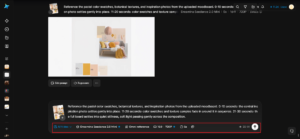
After adding your image and prompt, choose the Seedance 2.5 model for generation. Next, choose your video length, then a suitable aspect ratio, 16:9 suits a YouTube creative portfolio piece, while 9:16 works well for Instagram Reels and TikTok aesthetic content. Finally, click Dreamina’s icon and wait a few seconds for processing.
Step 3: Enhance & export the video
Polish your clip before saving it using Dreamina’s AI editing tools. Use advanced tools like Upscale for crisp, refined detail, or Generate soundtrack to add a soft, curated instrumental track matching the board’s overall mood. Finally, export and share it across your creative portfolio and social platforms.
Using the montage to pitch a creative direction
Beyond personal use, an animated moodboard reveal makes a genuinely compelling way to present a creative concept to a client or collaborator, walking them through an aesthetic direction in a guided, intentional sequence rather than asking them to absorb a static collage all at once.
Preserving visual consistency across the entire montage
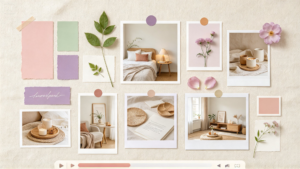
An effective animated moodboard should feel like one cohesive creative vision, even as individual elements move and appear. Before generating your video, identify the key details that must remain consistent, such as the dominant color palette, texture style, typography, and overall composition.
Include these priorities in your Dreamina prompt so the animation stays aligned with your original concept. For example, a minimalist interior design moodboard can retain its neutral tones, natural wood textures, and soft lighting throughout the reveal. Reviewing the generated clip before exporting also helps you spot unwanted changes and maintain the polished, unified aesthetic that makes a moodboard compelling.
Matching pacing to the board’s overall energy
A board built around calm, minimalist aesthetics benefits from slow, unhurried reveals, while a bold, maximalist board can support quicker, more energetic sequencing that matches its louder visual personality.
Where animated moodboards genuinely get used
This kind of curated, sequential content serves several creative purposes:
- Interior design and brand identity client presentations
- Personal style and aesthetic exploration content
- Creative portfolio pieces for designers and stylists
- Social media content for lifestyle and design creators
Final thoughts
A moodboard’s full aesthetic story comes through more clearly once it unfolds in a guided, intentional sequence, and Image to Video makes that reveal genuinely achievable from a single static collage.
With Dreamina and its advanced Seedance 2.5 video generation model, a curated board of color, texture, and inspiration can flow together with real narrative structure.
Sequence your elements with real intention, match your pacing to the mood, and let Dreamina help your aesthetic finally unfold the way it deserves.