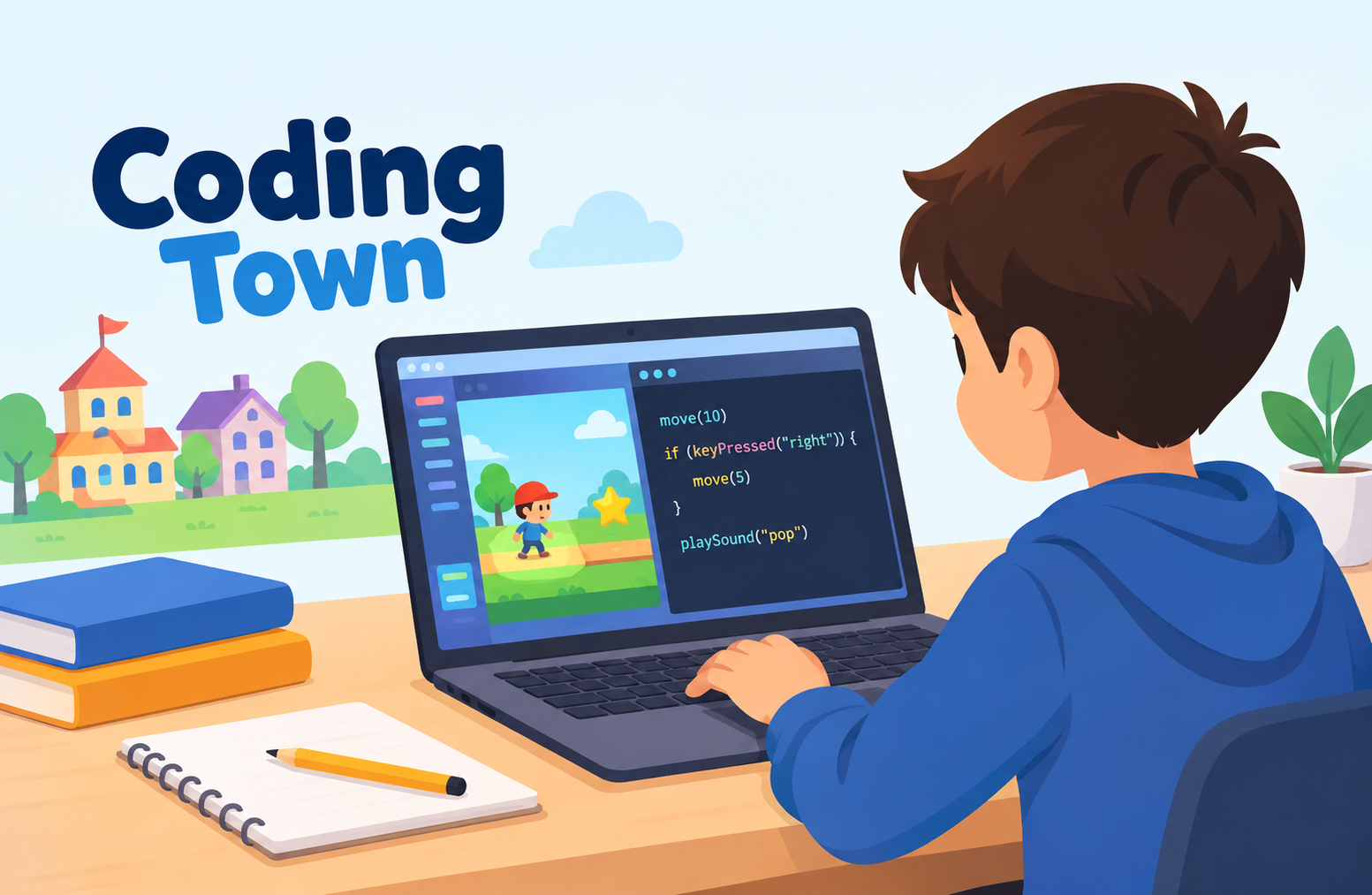
Coding Town: A Practical Guide to Learning Through Play
Coding Town is an interactive coding environment designed to make programming concepts easier to understand through a game-like experience. Instead of beginning with long explanations of programming syntax, it places learners inside a visual world where they can create, move, and control objects by writing or arranging code. This approach can make programming feel more like solving a problem than memorizing rules.
For beginners, especially younger learners, that difference matters. Traditional programming lessons can quickly become difficult when a student encounters variables, functions, conditions, loops, and debugging before understanding why those concepts are useful. A visual project can provide a reason to use those ideas first, making the learning process more concrete.
The name “Coding Town” can also refer to different projects and organizations online. In this article, the focus is the interactive Coding Town project associated with Script Academy, where users can create projects and use JavaScript-style commands to control sprites, movement, interactions, sounds, labels, and drawing functions. The platform itself provides a programming environment with functions for actions such as moving objects, changing images, detecting collisions, playing sounds, and responding to keyboard or mouse events. (Script Academy)
What Is Coding Town?
Coding Town is essentially a programming playground that combines coding with an interactive environment.
The central idea is simple: instead of learning programming entirely through abstract examples, a learner can write instructions and immediately see the result.
That creates a direct relationship between:
- The code a learner writes
- The action performed by the program
- The result visible on the screen
- The problem that needs to be solved next
This feedback loop is one of the most useful parts of beginner programming education.
For example, a learner may start with a simple instruction that creates a character or object. They can then change its position, make it move, rotate it, make it respond to another object, or display text.
The learner is therefore not simply reading what a function does. They are testing it.
That distinction is important because programming is largely an experimental activity. Developers write something, run it, observe what happened, identify what went wrong, and modify the code.
A beginner-friendly environment can introduce that process without immediately requiring the learner to understand a large programming language ecosystem.
How Coding Town Works
The Coding Town environment provides programming commands for controlling objects and creating interactive behavior.
Its documented functionality includes sprite creation and actions such as:
- Moving an object
- Moving forward
- Stopping movement
- Making objects draggable
- Changing an object’s position
- Displaying messages
- Detecting collisions
- Hiding and showing objects
- Rotating objects
- Pointing objects toward a location
- Changing images
- Playing sounds
- Responding to keyboard input
- Responding to mouse activity
- Drawing shapes
- Generating random values
- Measuring distance
- Creating labels
These features turn relatively simple programming instructions into visible outcomes. (Script Academy)
That makes the environment particularly useful for explaining a basic programming principle:
Code is a set of instructions that tells a computer what should happen.
When a learner changes the instruction and immediately sees a different result, the relationship becomes easier to understand.
A Simple Example
Imagine a learner wants a character to move across a screen.
Instead of explaining movement only with a theoretical definition, the learner can work with a command that changes the character’s position.
The process becomes:
Instruction → Program execution → Movement → Observation
The learner might then ask:
- What happens if the distance changes?
- What happens if the duration changes?
- Can the character move automatically?
- Can another object stop it?
- Can the character react when the user presses a key?
These questions naturally introduce deeper programming concepts.
Why Coding Town Can Be Useful for Beginners
One of the biggest challenges in programming education is that beginners often cannot visualize what their code is doing.
A line of code may be technically correct, but its purpose can still feel abstract.
Interactive environments reduce that problem.
When a command creates a visible change, learners have something concrete to connect with the instruction.
Immediate Feedback
Immediate feedback is valuable when learning programming.
Suppose a student changes a movement value and runs the project. The object moves farther.
The student can immediately connect the changed value with the observed behavior.
This is much easier to understand than reading a definition of a numerical parameter without seeing its effect.
Learning Through Experimentation
A good beginner environment encourages experimentation.
A student may intentionally change a value to an unusually large number simply to see what happens.
That kind of experimentation can teach important lessons:
- Values affect behavior.
- Instructions have specific purposes.
- Programs follow rules.
- Small changes can produce large differences.
- Errors are part of the development process.
These lessons remain useful long after a learner moves to a more advanced programming language.
Lower Initial Complexity
Professional development environments can expose beginners to many concepts at once.
A typical programming workflow might involve:
- Choosing a language
- Installing software
- Creating files
- Understanding folders
- Running commands
- Reading error messages
- Managing dependencies
- Learning syntax
- Understanding programming concepts
None of these things are inherently bad. They simply create a large initial learning curve.
An interactive educational environment can narrow the initial focus to the relationship between instructions and results.
That can help learners concentrate on programming logic before dealing with the broader complexity of software development.
Coding Town and Game-Based Learning
The game-like structure is one of the most interesting aspects of Coding Town.
The project has been described as a 3D interactive environment where learners can build and automate systems while working toward objectives. A third-party overview of coding games for children describes it as an interactive world that introduces basic coding concepts through a game format. (Parent Portfolio)
The important point is not simply that the environment looks like a game.
The stronger educational idea is that the learner has a reason to use programming.
A game can create a problem:
“I need this object to move.”
Programming provides the solution:
“What instructions can make it move correctly?”
The learner then tests the solution.
This is close to the actual problem-solving cycle used in software development.
Coding Town Is Not the Same as Learning Everything About Programming
It is important to maintain realistic expectations.
An interactive coding environment can be an excellent introduction, but it should not be treated as a complete replacement for programming education.
Learning to program professionally involves many additional areas.
These can include:
- Data structures
- Algorithms
- Version control
- Databases
- APIs
- Software architecture
- Testing
- Security
- Performance
- Debugging
- Collaboration
- Documentation
- Deployment
A beginner platform can establish foundational thinking, but those foundations eventually need to be expanded.
This distinction is especially important for parents or educators evaluating coding tools.
The useful question is not:
“Will this teach a child everything about programming?”
A better question is:
“Does this give the learner a practical starting point for understanding programming concepts?”
For an introductory environment, that is a much more meaningful standard.
Coding Town
The strongest educational value of Coding Town comes from the connection between programming instructions and visible outcomes.
A learner can experiment with concepts that are fundamental to programming without first needing to understand an entire professional development stack.
For example, creating and controlling sprites introduces the idea that software can represent objects and manipulate their properties.
Movement introduces numerical values.
Keyboard and mouse events introduce input.
Collision detection introduces conditions and interactions.
Functions introduce reusable behavior.
Random-number functions introduce unpredictability.
Drawing commands introduce programmatic graphics.
Even simple projects can therefore expose learners to multiple programming ideas.
What Programming Concepts Can Be Learned?
1. Variables and Values
Programming frequently depends on values.
Coordinates, distances, angles, sizes, durations, and other parameters can affect what happens in a program.
When learners modify these values and observe the results, they begin to understand that programs are not static instructions. They are systems whose behavior depends on data.
2. Functions
Functions are fundamental to modern programming.
Instead of writing every low-level instruction repeatedly, a function can package an action into something easier to use.
The Coding Town environment exposes functions for actions such as movement, rotation, sound, drawing, and object manipulation. (Script Academy)
For a beginner, this can provide an intuitive introduction to the idea that programming languages contain reusable operations.
3. Events
Interactive programs need to respond to things that happen.
A user presses a key.
A mouse moves.
A mouse button is clicked.
Two objects touch.
An event-based environment can make this concept easier to understand because the learner can directly observe the relationship between an event and a response.
4. Conditional Thinking
Many interactive projects require decisions.
For example:
“If the player touches the object, do something.”
That basic structure leads toward conditional programming.
The learner starts thinking in terms of rules:
- If something happens, respond.
- Otherwise, continue.
- If an object reaches a particular location, change its behavior.
This kind of logical thinking is more important than memorizing individual commands.
5. Debugging
One of the most valuable skills a beginner can develop is debugging.
A program may not behave as expected.
Perhaps an object moves too far.
Perhaps a collision does not trigger correctly.
Perhaps an event happens at the wrong time.
The learner then needs to inspect the instructions and identify the cause.
This is genuine programming practice.
The goal of debugging is not simply to remove an error. It is to understand why the program behaved differently from what was intended.
How Students Can Get More From Coding Town
Simply opening a coding platform does not automatically produce strong learning.
The quality of the learning process depends heavily on what the learner does with it.
Start With a Small Objective
A beginner should avoid trying to create a complicated project immediately.
A better first project might be:
- Move one object
- Make an object respond to a key
- Display a message
- Change an image
- Detect contact
- Add a sound
Once that works, another feature can be added.
This approach creates a series of small wins while gradually increasing complexity.
Change One Thing at a Time
When experimenting, beginners often change several values simultaneously.
That makes it difficult to understand which change caused the result.
A better approach is to change one parameter, run the project, and observe the difference.
This teaches controlled experimentation.
Ask “Why?” Instead of Only “What?”
Memorizing commands is not the same as understanding programming.
A learner should regularly ask:
- Why does this function exist?
- Why does changing this value affect the result?
- Why does this event happen here?
- Why does the program behave differently after I add this instruction?
Those questions develop deeper understanding.
Rebuild Instead of Only Copying
Copying an example can help a beginner get started.
But copying should not be the final step.
After creating an example, the learner should change it.
For instance, if a basic project moves one character, change:
- The movement distance
- The direction
- The timing
- The trigger
- The character
- The objective
Once the learner can modify the project independently, the educational value becomes much greater.
Common Challenges Beginners May Face
Coding environments can make programming easier to approach, but they do not eliminate learning difficulties.
Syntax Confusion
Beginners may struggle with punctuation, parentheses, commas, quotation marks, or function names.
This is normal.
Programming languages are precise, and a small syntax mistake can prevent code from working.
The best response is not memorizing every rule immediately.
Instead, learners should become comfortable reading error messages and checking the exact line where something went wrong.
Logical Errors
Some problems are more difficult because the program technically runs.
The issue is that it does the wrong thing.
For example, an object may move, but in the wrong direction.
A sound may play, but at the wrong moment.
A collision may trigger something unexpected.
These are logical problems rather than simple syntax mistakes.
They require reasoning about the sequence of events.
Overcomplicated Projects
Beginners frequently become ambitious after discovering that they can build interactive projects.
That enthusiasm is useful, but an oversized first project can become frustrating.
A better progression is:
Small feature → working project → additional feature → testing → refinement
This mirrors how larger software projects are often developed.
Who Can Benefit From Coding Town?
The strongest fit is generally for people who are still developing foundational programming knowledge.
Children and Teenagers
The interactive format can make programming concepts less intimidating for younger learners.
Instead of starting with professional software-development terminology, they can begin with objects, actions, interactions, and outcomes.
Complete Beginners
Someone who has never programmed may benefit from seeing how instructions affect a digital environment.
This can help establish basic computational thinking before moving to more traditional coding environments.
Teachers and Educators
Educators can potentially use an interactive coding environment as a practical demonstration tool.
A teacher could introduce a concept and then allow students to experiment with it.
For example, a lesson about coordinates could become a practical activity where students change the position of an object.
Parents Looking for Introductory Coding Activities
Parents may find interactive coding projects useful when a child is interested in games and technology but has not yet shown interest in formal programming lessons.
The key is to focus on exploration rather than treating the activity as an academic test.
How Coding Town Compares With Traditional Coding Lessons
Traditional programming courses often begin with structured concepts and syntax.
That approach can work very well, especially for learners who are ready for formal study.
An interactive coding environment takes a different path.
It can begin with an outcome.
For example:
“I want this object to move.”
Then the learner discovers what instructions are required to achieve that outcome.
Neither approach is universally appropriate.
The best choice depends on the learner’s age, previous experience, goals, and learning style.
A student preparing for a computer science examination may need formal theory and structured programming exercises.
A child who is simply curious about how games work may respond better to experimentation.
The important distinction is between learning programming concepts and learning a particular tool.
A tool is temporary.
Problem-solving skills are transferable.
From Interactive Projects to Real Programming
One of the most useful ways to think about Coding Town is as a possible bridge.
A learner can begin with visual or interactive projects.
Once basic concepts become familiar, the learner can move toward a conventional programming language.
A logical progression might look like this:
Stage 1: Visual Interaction
Understand:
- Objects
- Actions
- Events
- Coordinates
- Simple conditions
Stage 2: Structured Programming
Learn:
- Variables
- Functions
- Loops
- Conditions
- Arrays
- Debugging
Stage 3: A General-Purpose Language
Move into a language such as JavaScript, Python, Java, C++, or another language appropriate to the learner’s goals.
Stage 4: Projects
Build practical applications rather than isolated exercises.
Stage 5: Software Development Practices
Introduce:
- Version control
- Testing
- Documentation
- Collaboration
- Deployment
- Security
This progression prevents beginners from feeling that they need to understand the entire software industry before writing their first useful program.
The Importance of Project-Based Learning
One of the strongest lessons from interactive coding is that projects give programming a purpose.
A learner who is asked to memorize syntax may reasonably ask:
“Why do I need to learn this?”
A project answers that question.
The learner needs a function because something must happen.
They need a condition because the program must make a decision.
They need coordinates because an object needs to move.
They need an event because the program needs to respond to the user.
This is why project-based learning can be more meaningful than isolated syntax drills for many beginners.
How Parents Can Support a Child Learning to Code
Parents do not need to be professional programmers to support early coding education.
The most useful approach is often to ask questions rather than immediately provide solutions.
Instead of saying:
“Change this line.”
Ask:
“What do you think is causing the problem?”
Other useful questions include:
- What did you expect to happen?
- What actually happened?
- What did you change?
- What happens if you change only this value?
- How could you test that idea?
- Can you explain what this part does?
These questions encourage independent problem-solving.
The objective should be to help the learner become comfortable with uncertainty.
Programming involves a lot of uncertainty.
The developer does not always know the answer before writing the code.
They investigate.
They test.
They revise.
They learn.
How Teachers Can Use Interactive Coding Effectively
An instructor can structure a lesson around a specific programming concept.
For example, a lesson about events could begin with a simple interactive object.
Students could then be asked to:
- Identify the existing event.
- Change the event trigger.
- Add a different response.
- Test the project.
- Explain the result.
- Create their own variation.
This turns the lesson from passive instruction into active experimentation.
A similar approach can be used for movement, collision detection, functions, random values, and user interaction.
The instructor’s role is not simply to demonstrate commands.
It is to help students understand why those commands produce particular results.
Coding Town and Computational Thinking
Computational thinking is broader than writing code.
It involves breaking problems into manageable parts, identifying patterns, creating logical procedures, and testing solutions.
Interactive coding projects can provide practical opportunities to develop these skills.
Suppose a learner wants to create a simple game.
The entire game can seem overwhelming.
But it can be divided into smaller problems:
- How does the player move?
- How does the player interact with objects?
- How does the program detect success?
- How does the score change?
- What happens when the player makes a mistake?
- How does the game end?
Each question becomes a smaller programming problem.
This process of decomposition is one of the most transferable skills a learner can develop.
Is Coding Town Suitable for Serious Programming?
It depends on what “serious programming” means.
If the goal is to learn professional software engineering, an interactive beginner environment alone is not enough.
Professional development requires broader knowledge and experience.
However, if the goal is to develop an initial understanding of programming logic, interactive environments can provide useful practice.
The important distinction is between foundation and destination.
A beginner tool can be a foundation.
It does not need to be the final programming environment.
That is true for many educational tools.
A learner might start with a simplified environment and later move to professional development tools when the concepts become familiar.
What Makes a Good Beginner Coding Environment?
When evaluating any coding platform for beginners, several factors are worth considering.
Immediate Feedback
The learner should be able to see whether an instruction worked.
Appropriate Complexity
The environment should provide enough functionality to explore programming without overwhelming beginners.
Room for Experimentation
Learners should be able to modify projects instead of simply following fixed instructions.
Meaningful Projects
Activities should provide a reason to use programming concepts.
Progressive Difficulty
A good learning path should allow students to move from simple tasks toward increasingly complex projects.
Debugging Opportunities
Learners should encounter problems that require investigation.
The goal is not to eliminate every mistake.
The goal is to make mistakes useful.
Limitations to Keep in Mind
There are several reasons not to depend on a single educational platform for all programming learning.
First, platform-specific commands may not transfer directly to another language.
Second, an interactive environment may hide some of the complexity that professional developers eventually need to understand.
Third, learners can sometimes become focused on making a project work without understanding the underlying programming concept.
For that reason, educators should periodically ask learners to explain what their code is doing.
If a student can reproduce a project but cannot explain the logic behind it, more conceptual practice may be needed.
A Practical Learning Path
Someone starting with interactive coding can follow a straightforward progression.
Step 1: Explore
Open a basic project and identify what each part does.
Step 2: Modify
Change one feature.
Move an object differently.
Change an image.
Modify a value.
Step 3: Rebuild
Create a similar project without copying every instruction.
Step 4: Add a New Rule
Introduce an interaction or condition.
Step 5: Debug
Intentionally change something and investigate what happens.
Step 6: Create
Build a small project based on an original idea.
Step 7: Explain
Describe how the project works using your own words.
That final step is often overlooked.
If someone can explain a program clearly, they are more likely to understand it rather than simply reproduce it.
What Learners Should Focus On First
Beginners do not need to master every available function.
The priority should be understanding a few core ideas:
- Instructions
- Values
- Objects
- Events
- Conditions
- Functions
- Repetition
- Debugging
Once these concepts become familiar, additional programming features become easier to understand.
The purpose of beginner coding education should therefore not be to maximize the number of commands a student knows.
It should be to develop the ability to think logically about problems and express solutions through instructions.
Frequently Asked Questions
What is Coding Town?
Coding Town is an interactive coding environment associated with Script Academy that allows users to create projects and control objects through programming instructions. Its documented tools include sprite actions, events, sounds, drawing functions, and other programming features. (Script Academy)
Is Coding Town free?
The Coding Town project is presented as part of Script Academy’s online coding environment. The publicly accessible project page provides an interactive development interface, although availability and platform features can change over time. (Script Academy)
Is Coding Town suitable for beginners?
Yes. Its interactive approach can make basic programming ideas easier to visualize because code produces visible actions and changes in a project.
Can children learn programming with Coding Town?
Children can use interactive coding environments to explore programming concepts such as movement, events, functions, object interaction, and logical problem-solving. The appropriate difficulty depends on the child’s age and previous experience.
Does Coding Town teach professional programming?
It can introduce foundational programming concepts, but it should not be considered a complete professional programming curriculum. Professional development requires additional knowledge of languages, algorithms, software engineering, testing, security, databases, and other areas.
What should a learner do after using Coding Town?
A learner can gradually move toward a general-purpose programming language and begin building increasingly independent projects. The most important transition is from following examples to solving problems independently.
Conclusion
Coding Town represents a useful way to introduce programming through interaction rather than relying entirely on abstract explanations. Its environment connects programming instructions with visible actions, which can make concepts such as movement, events, functions, object interaction, and debugging easier for beginners to understand.
The biggest educational value is not any individual command. It is the problem-solving process created around those commands.
A learner decides what should happen, writes or changes instructions, observes the result, identifies problems, and tries again. That cycle is at the heart of programming.
For younger learners, interactive projects can also make the first encounter with coding less intimidating. Instead of immediately confronting the complexity of professional software development, they can begin with manageable problems and gradually develop confidence.
At the same time, it is important to keep expectations realistic. Coding Town can serve as an introduction or learning bridge, but becoming a capable programmer requires continued practice beyond any single platform. As learners progress, they should move from experimenting with predefined functions toward creating their own solutions, understanding programming concepts more deeply, and eventually working with broader development tools and languages.
The most valuable outcome is therefore not simply learning how to control an object on a screen. It is learning how to break a problem into smaller parts, form a solution, test an idea, understand an error, and improve the result.